
For: Administrators, programme managers · 2 minutes read
An enrolment puts a mentee in a cohort. It lasts one year from the day they join, whatever day that is.
Enrol mentees
From a cohort: open the cohort, go to the Mentees tab and click Enrol mentees. Pick one or more registered mentees.
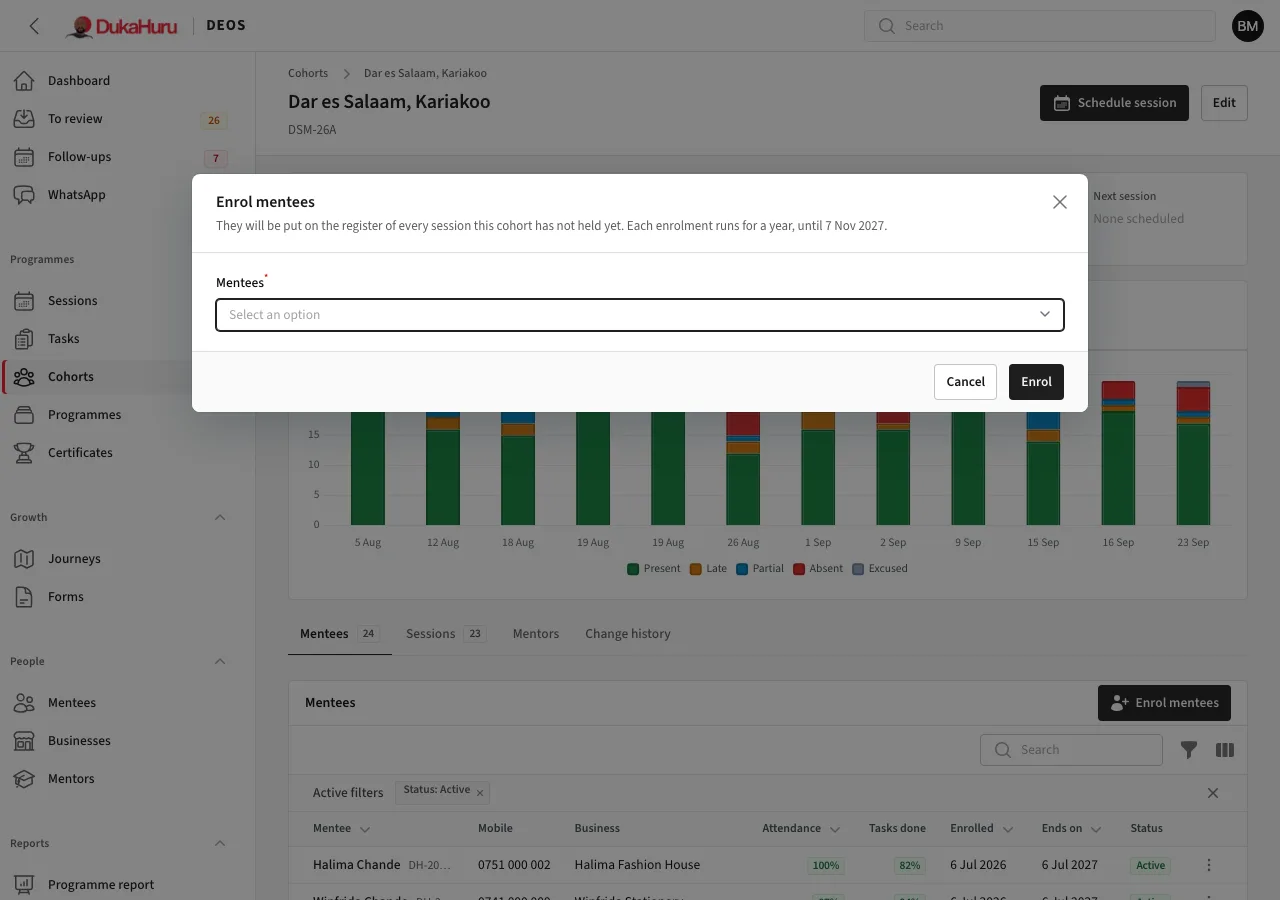
From a mentee: on their page, open the Enrolments tab and click Enrol in a cohort.
Either way, the mentee goes on the register of every session the cohort has not held yet and gets the cohort's open tasks.
The end date
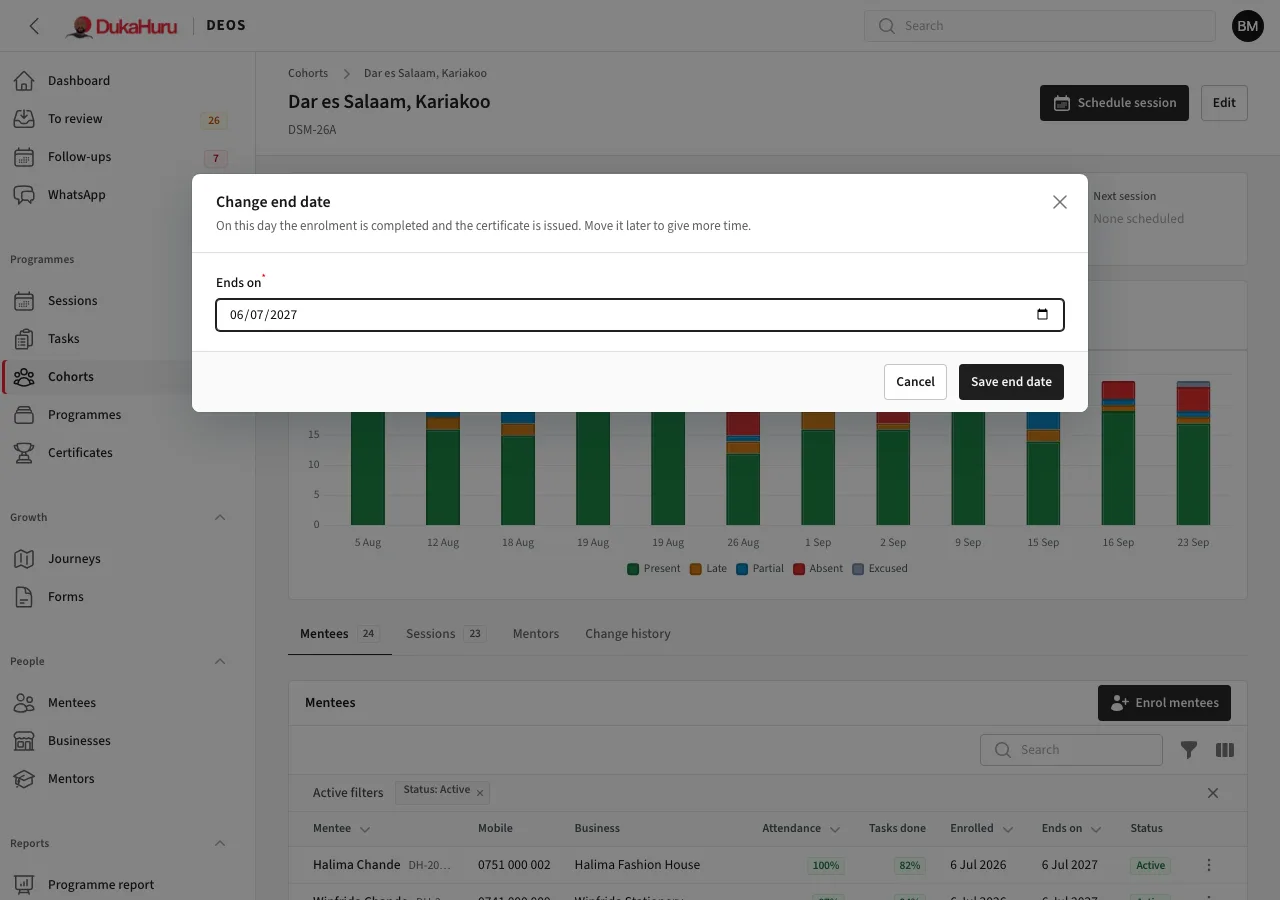
The cohort's Mentees tab shows when each enrolment started and when it ends. On the end date DEOS marks the enrolment completed during the night, and the programme certificate is issued.
To give a mentee more time, or end earlier, open the row's menu and choose Change end date.
End an enrolment now
Open the row's menu and choose End enrolment, then the outcome:
- Completed: they finished; the certificate is issued.
- Withdrawn: they left the programme.
- Deferred: they pause and may come back. Enrolling them again later starts a new year.
They come off the registers of sessions not yet held. Attendance and work already recorded stay.