
For: Administrators, programme managers · 1 minute read
DEOS reminds mentees by SMS, in their own language, between 07:00 and 20:00.
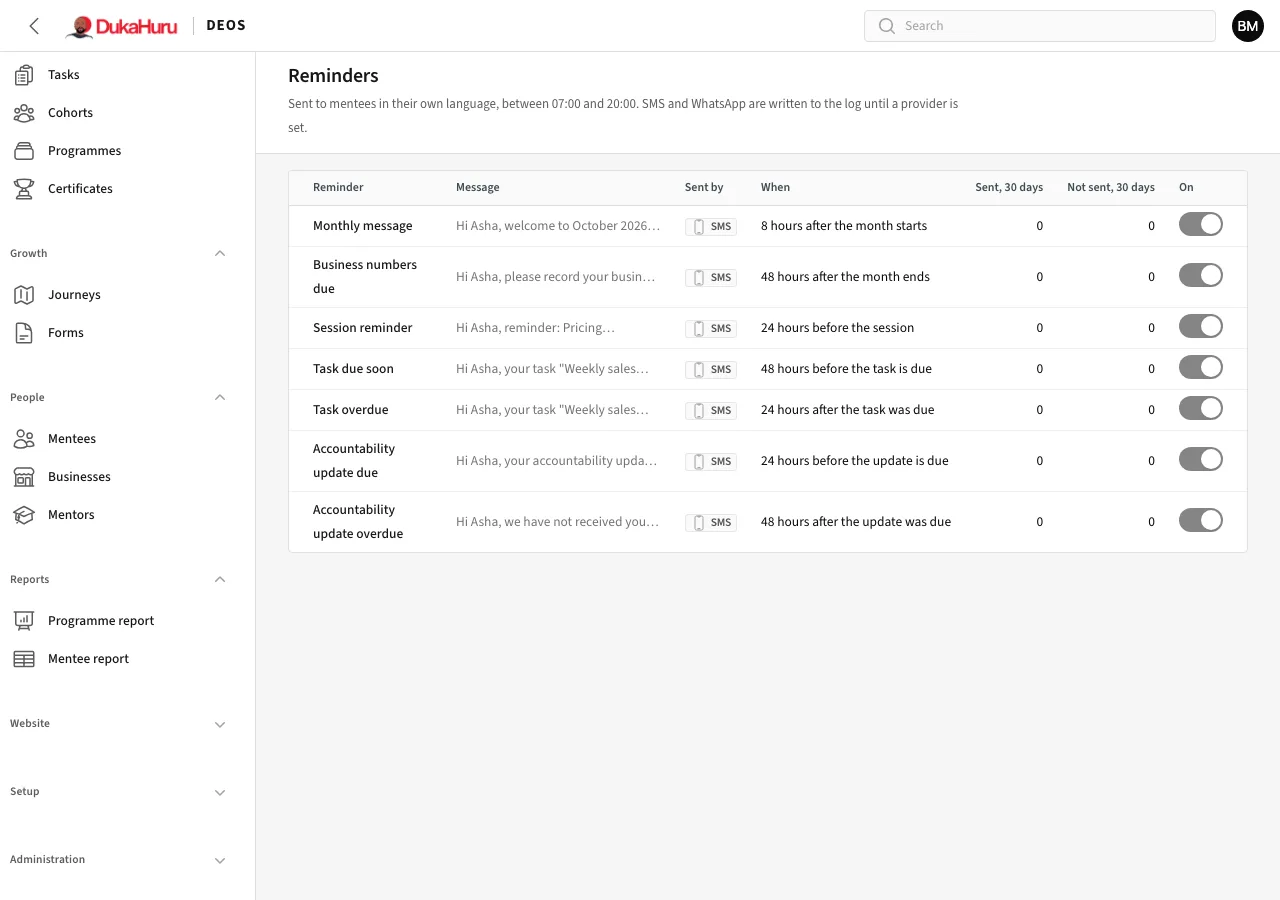
The reminders
| Reminder | When |
|---|---|
| Monthly message | 8 hours after the month starts |
| Business numbers due | 48 hours after the month ends |
| Session reminder | 24 hours before the session |
| Task due soon | 48 hours before the task is due |
| Task overdue | 24 hours after the task was due |
| Accountability update due | 24 hours before the update is due |
| Accountability update overdue | 48 hours after the update was due |
Switch a reminder off with its switch. Open it to change the wording, in both languages, and how it is sent (SMS, WhatsApp or email).
The message log
Administration → Message log lists every message DEOS sent or tried to send: to whom, when, and whether it went. Use it when someone says they did not get a code or a reminder.
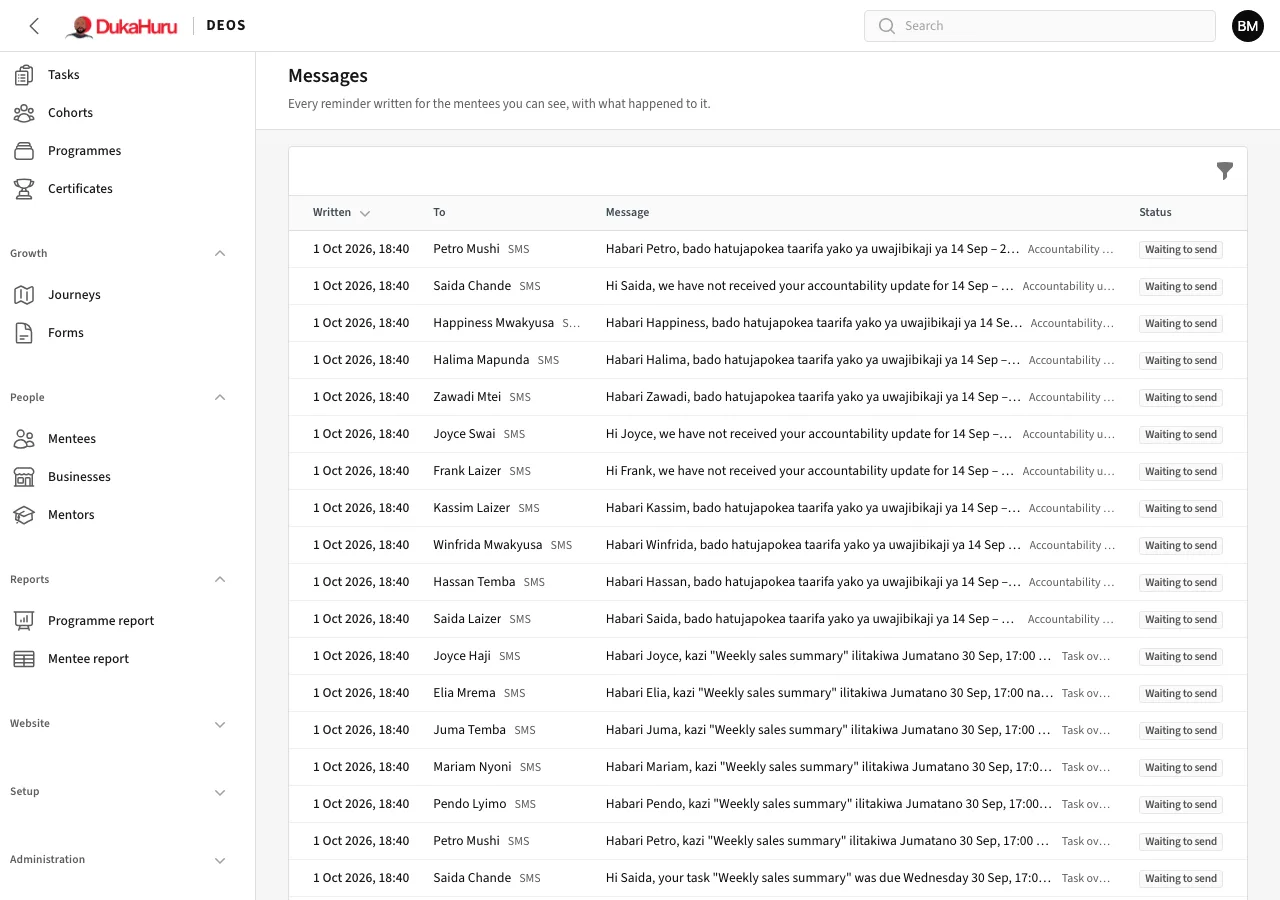
Until an SMS provider is set on the server, messages are written to the log instead of being sent.