
For: Administrators, programme managers · 2 minutes read
Almost everything on dukahuru.co.tz can be changed under Website → Website content, in Kiswahili and English. Changes show on the site as soon as you save.
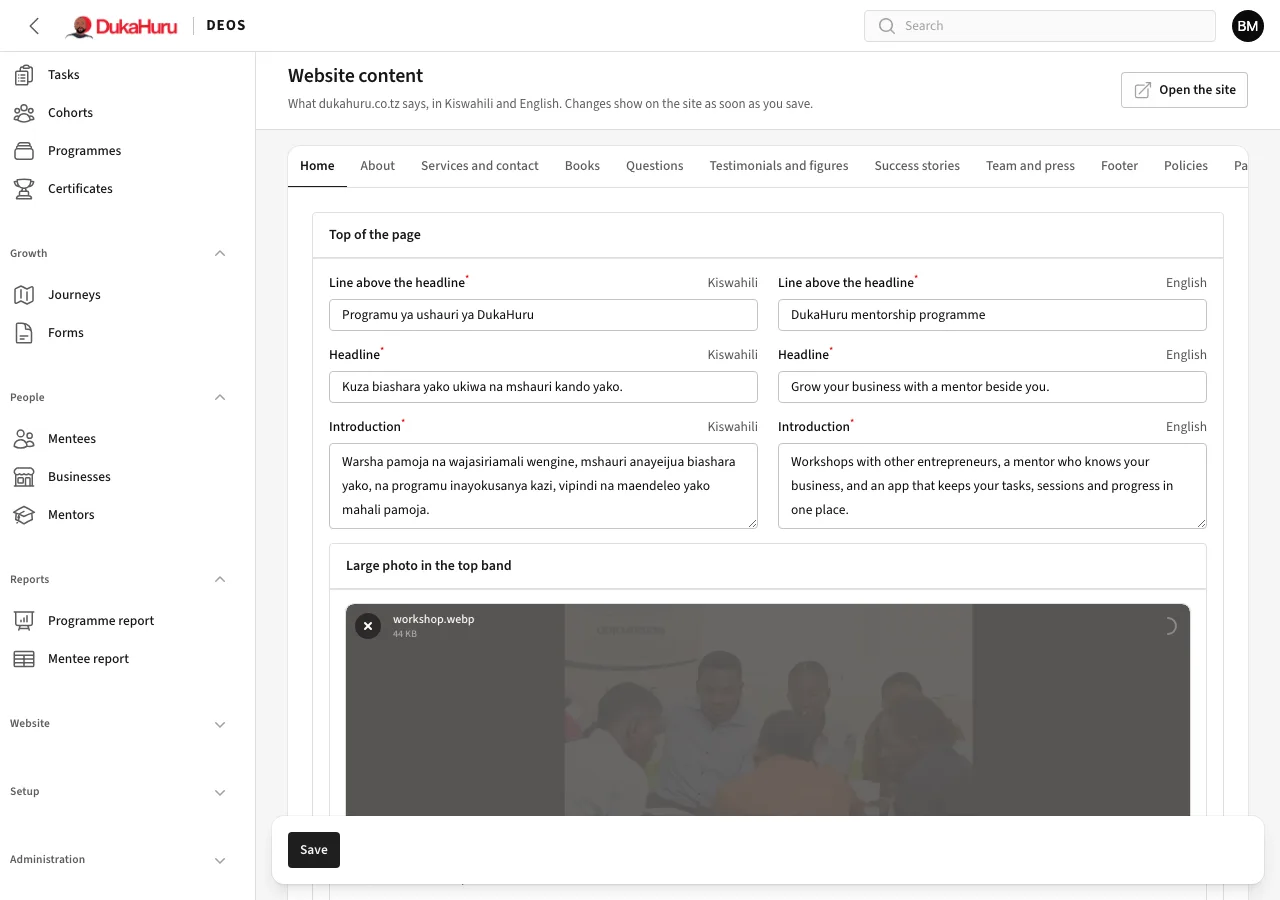
The tabs
| Tab | What you change |
|---|---|
| Home | Headline, introduction, photos, the panels, how the programme works, the app, headings |
| About | Who DukaHuru is, vision, mission, values, photos and headings |
| Services and contact | Page introductions, opening hours, contact details (phone, WhatsApp, email, address, map), social media, visitor statistics |
| Books | The books page and the note on booking pages |
| Questions | The frequently asked questions |
| Testimonials and figures | What customers say, and the figures on the home page |
| Success stories | Real entrepreneurs' stories, with their written consent |
| Team and press | The team and mentions in the news, on the About page |
| Footer | The line about DukaHuru, the newsletter box and the Oasis Technologies block |
| Policies | Privacy, terms and refunds |
| Partners | The logos of organisations you work with |
Each text has a Kiswahili and an English box. Click Save at the bottom when you are done.
Contact details
Change the phone, WhatsApp number, email, office address and map link once, and they change on every page, in the WhatsApp buttons and in messages to customers. Booking notices go to this email.
Policies
Open a policy to change its text. It starts with the standard text written for DEOS.
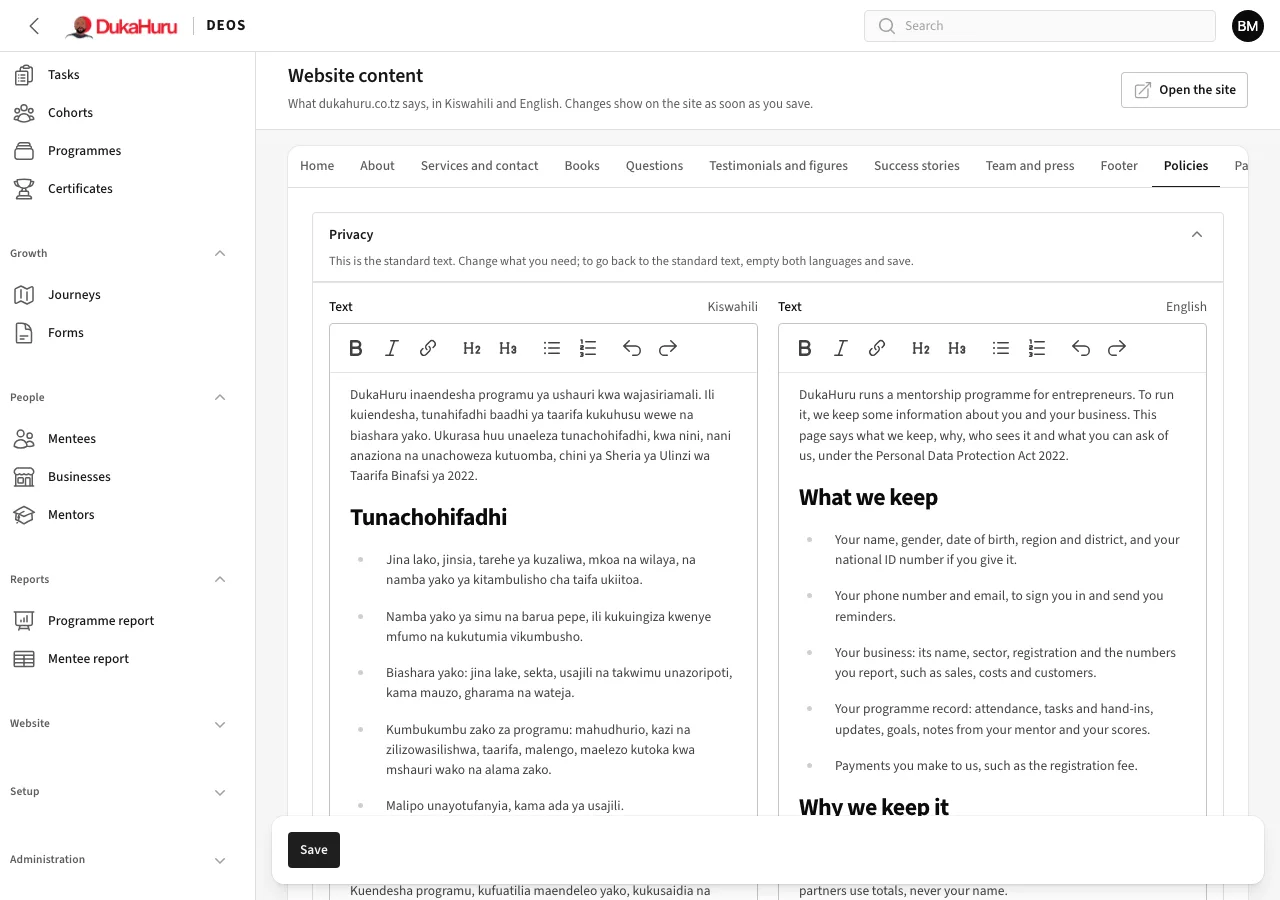
To go back to the standard text, empty both languages and save. The page shows the date it was last changed.