
For: Administrators, programme managers · 1 minute read
A session is anything mentees attend: a workshop, a bootcamp, a group follow-up or a consultation.
Steps
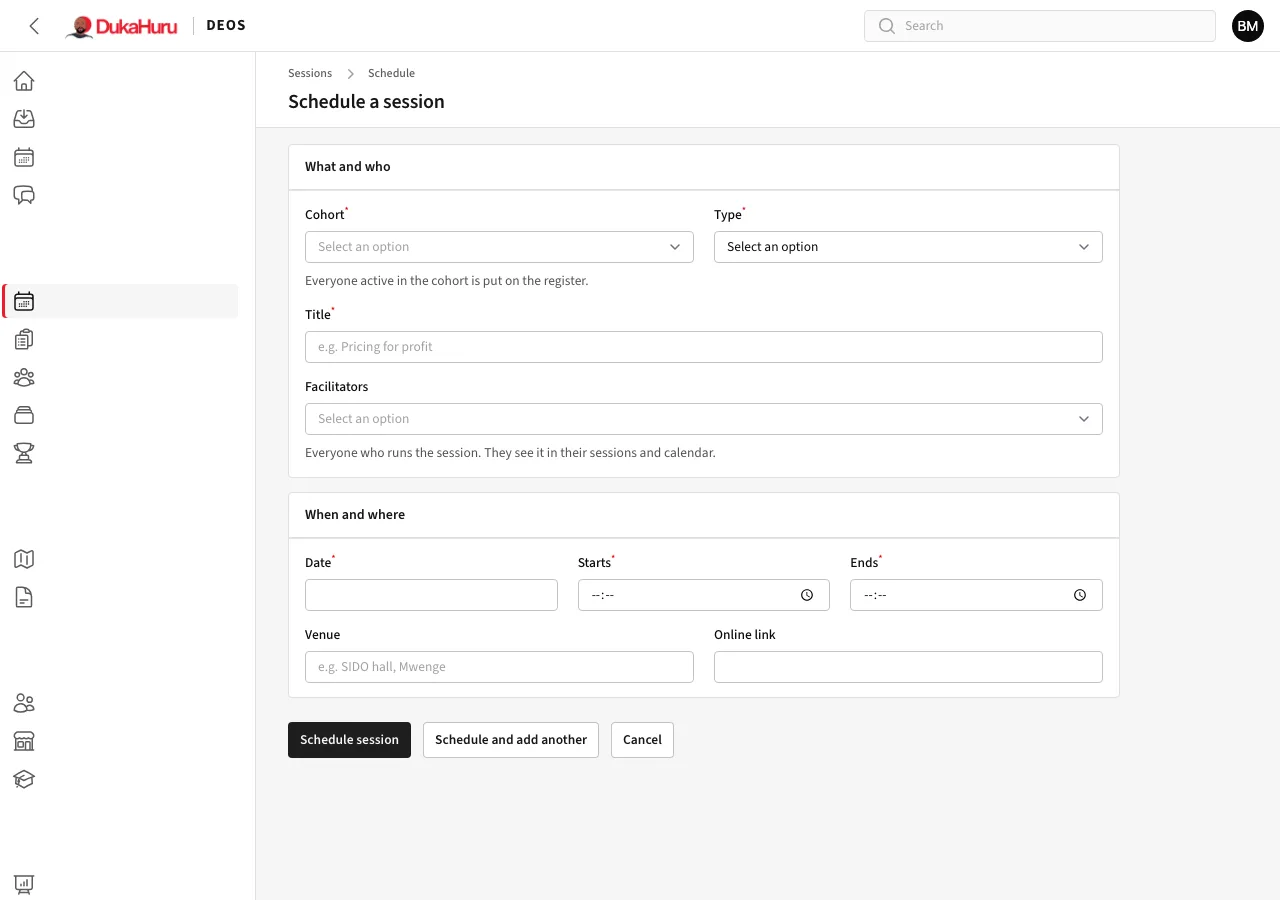
- Open Sessions and click Schedule (or Schedule session on a cohort's page).
- What and who: the cohort, the type, the title, and the facilitators: everyone who runs the session (staff or mentors). You can choose several.
- When and where: the date, start and end time, the venue and, for an online session, the link.
- Click Schedule session.
Everyone actively enrolled in the cohort is put on the register. Mentees get a reminder the day before by SMS.
Find sessions
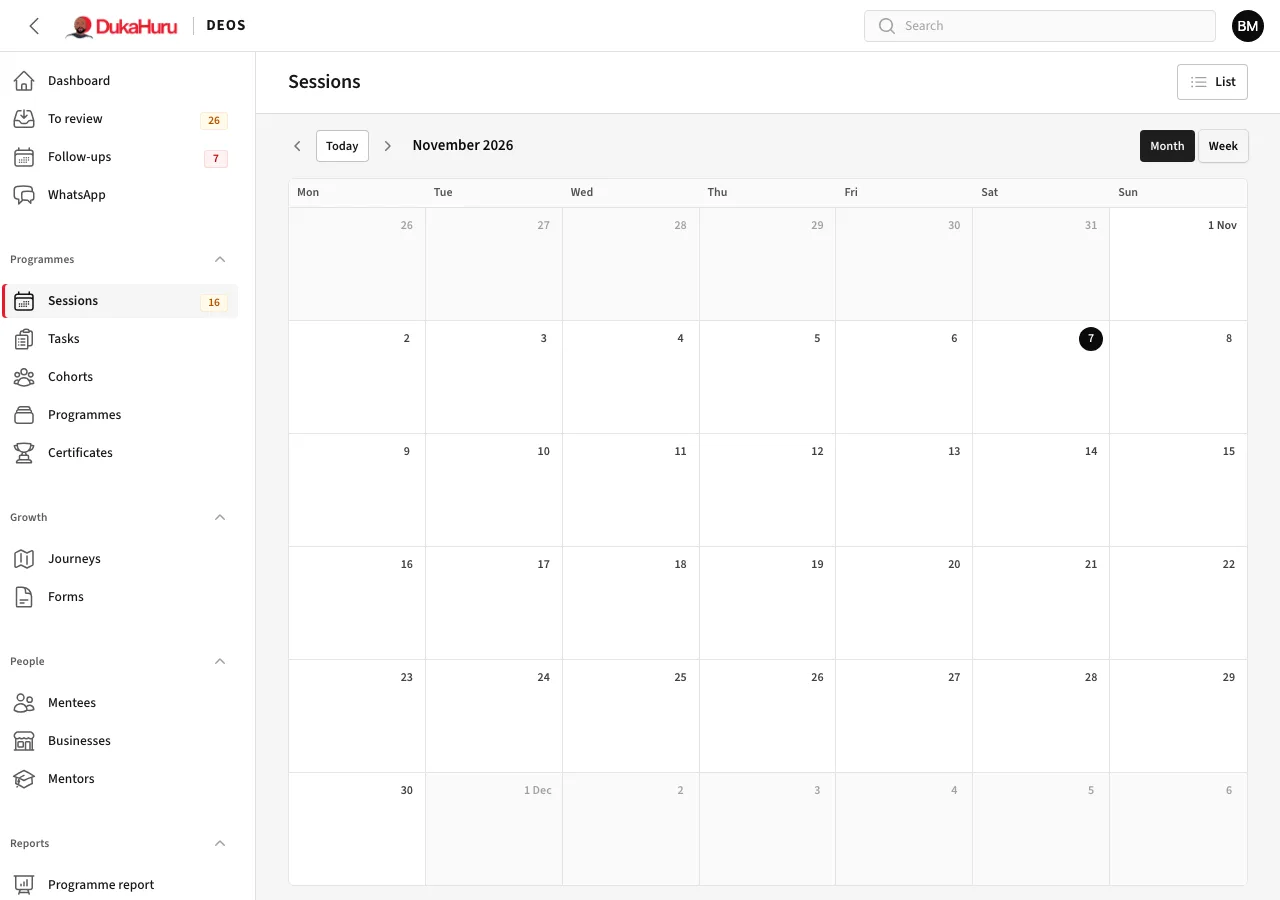
The Sessions list shows each session with its cohort, facilitators and how many have been marked. Switch to Calendar to see them by month or week.
The bootcamp on the second Monday of the month can be scheduled for you: see The monthly bootcamp.