
For: Entrepreneurs · 1 minute read
Tasks lists what you have to do, the most urgent first.
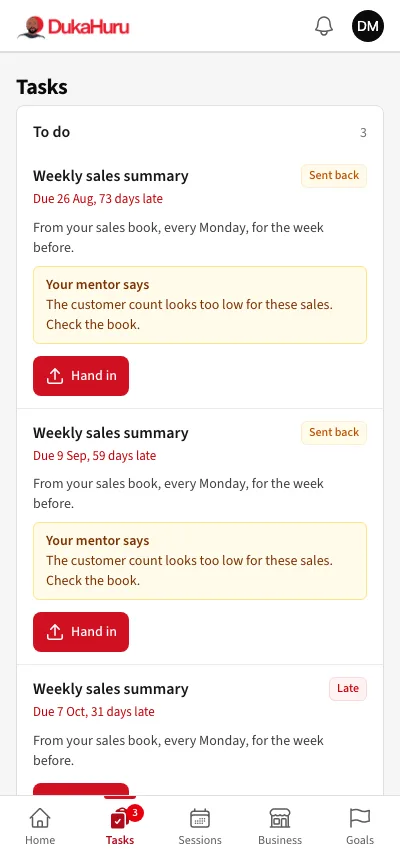
- Tap Hand in on a task.
- Write a note, and add photos, files or a link if the task asks for evidence.
- Send it. Your mentor reviews it.
Some tasks only need Mark done and a line on how you did it.
If your mentor returns a task, it shows Sent back with what your mentor says. Change what they ask and hand it in again.
You get an SMS before a task is due and if it is late.