
For: Entrepreneurs · 1 minute read
Business shows your business and how it is doing.
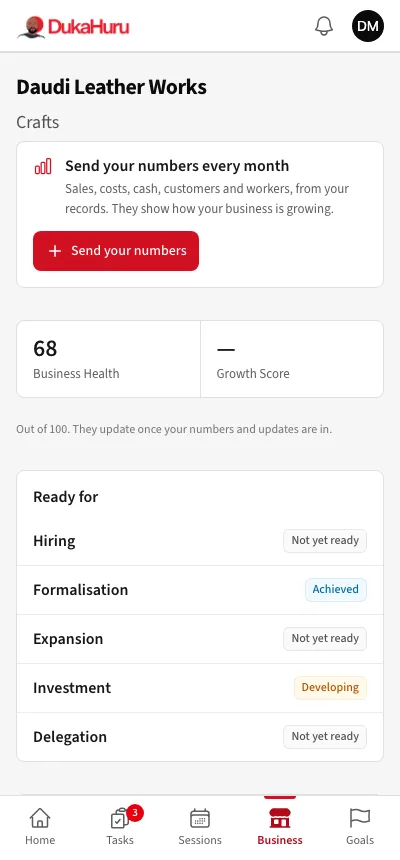
Send your numbers every month
- Tap Send your numbers.
- Enter last month's figures from your sales book or records: sales, costs, cash, customers and workers.
- Tap Send numbers.
Numbers you already sent for the month are filled in; changing one corrects it. If your mentor asks you to check a number, it is marked here.
Your scores
- Business Health and Growth Score, out of 100, update once your numbers and updates are in.
- Ready for: whether your business is ready for hiring, formalisation, expansion, investment and delegation.